
As AI systems move from experimentation to production, teams face a familiar challenge: complexity. Providers, models, agents, workflows, guardrails, tools—each layer adds setup effort, configuration risk, and operational overhead.
What starts as a quick prototype can quickly turn into a fragile system that’s hard to replicate, hard to debug, and even harder to scale.
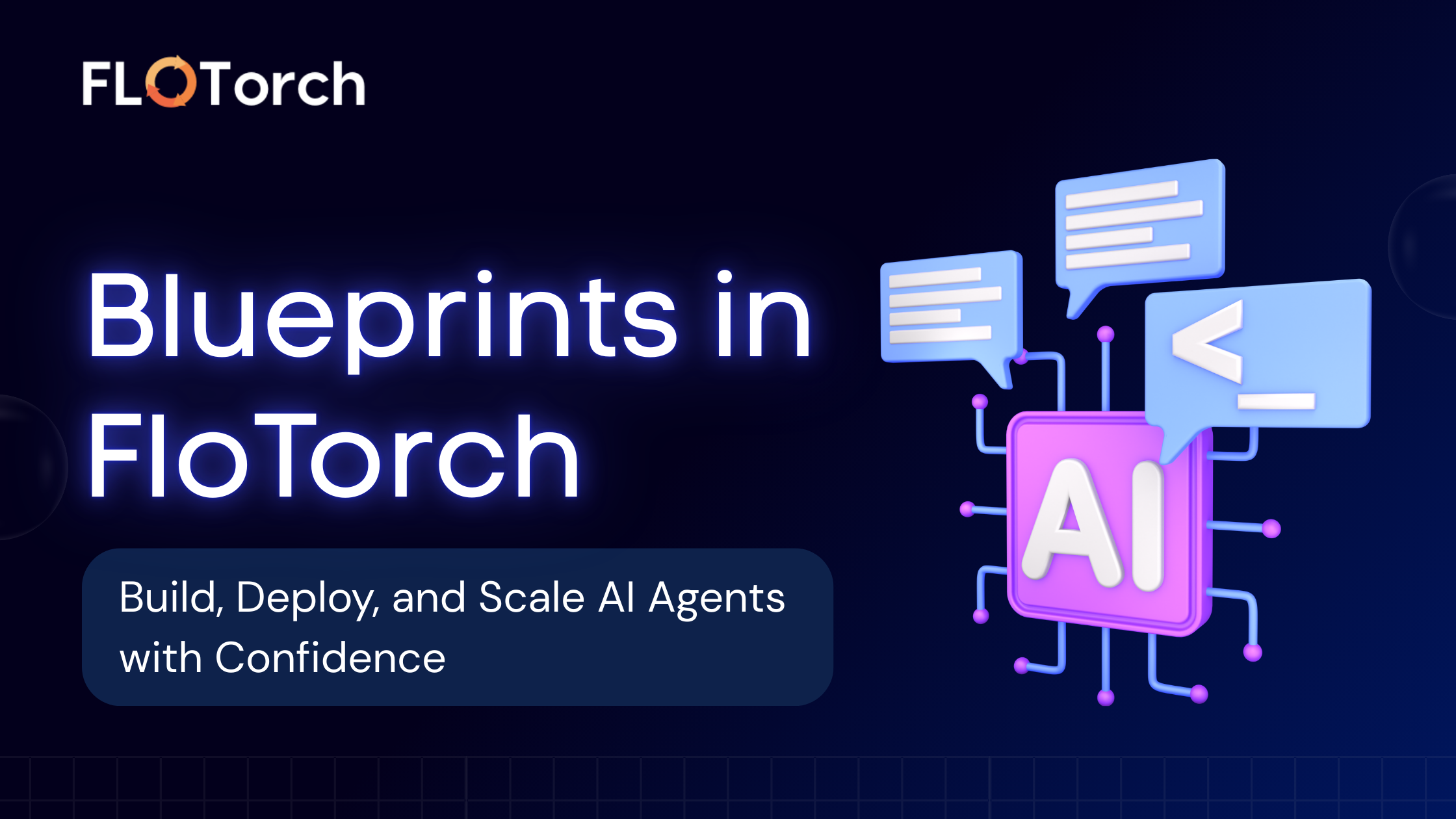
This is exactly why FloTorch introduced Blueprints.
Blueprints bring Infrastructure-as-Code principles to AI orchestration, allowing teams to define, version, and deploy complete AI systems—agents, workflows, and all dependencies—in a single, reusable configuration.
What Are Blueprints?
Blueprints are JSON-based configuration files that define a complete FloTorch infrastructure setup.
Instead of manually creating providers, configuring models, wiring agents, and orchestrating workflows step by step, you can package everything into a single Blueprint and deploy it in one go.
With Blueprints, you can:
- Package complete AI setups: Define providers, guardrails, configs, models, tools, agents, and workflows in one file.
- Reuse infrastructure across environments: Deploy the same setup to development, staging, or production workspaces.
- Introduce flexibility with variables: Parameterize models, providers, knowledge bases, and memory systems.
- Enable version control: Store Blueprints in GitHub or manage them as templates in the FloTorch Console.
- Validate before deployment: Detect conflicts, missing dependencies, and errors before anything is created.
In short, Blueprints turn AI infrastructure into a portable, repeatable, and auditable asset.
Why Blueprints Matter for AI Teams
Modern AI teams rarely operate in a single workspace. Most organizations manage:
- Multiple environments (dev, QA, staging, prod)
- Multiple teams sharing infrastructure
- Multiple models and providers evolving over time
Without a standardized deployment mechanism, this leads to drift, inconsistencies, and production risk.
Blueprints solve this by making AI infrastructure:
- Repeatable – deploy the same setup reliably every time
- Auditable – track changes through version history
- Flexible – adapt to different workspaces using variables
- Safe – catch errors and conflicts before deployment
Inside a Blueprint: How It’s Structured
At a high level, a Blueprint contains four main sections:
- Metadata – name and description
- Variables – placeholders for reusable resources
- Schema – definitions for providers, models, agents, workflows, and more
- Conflict resolution mode – how to handle existing resources
Here’s a simplified example:
{ "name": "my-blueprint", "description": "A complete AI infrastructure setup", "variables": {...}, "schema": {...}, "conflicts": "SKIP"}This structure allows FloTorch to understand what needs to be created, how resources are connected, and how conflicts should be handled.
Key Blueprint Components Explained
Metadata
Every Blueprint starts with a unique name and an optional description.This becomes especially important when Blueprints are shared across teams or stored as templates.
Variables: Reuse Without Rewriting
Variables allow you to define placeholders that are mapped to existing resources during deployment.Supported variable types include:
- Models
- Providers
- Knowledge bases
- Memory systems
Instead of hardcoding a specific model or provider, you can reference variables—making the same Blueprint reusable across multiple workspaces.
Schema: Defining the AI System
The schema is where the actual AI infrastructure is defined. It can include:
- Providers (OpenAI, Anthropic, etc.)
- Guardrails for safety and moderation
- Configs linking providers and models
- Models with versioning
- Tools (MCP tools)
- Agents with defined behavior
- Workflows that orchestrate agents together
Together, these components represent a complete, production-ready AI system.
Conflict Resolution Strategies
When deploying a Blueprint, some resources may already exist in the target workspace. Blueprints support different strategies to handle this:
- SKIP (default) – existing resources are skipped
- ABORT – deployment stops if any conflicts are found
- UPDATE – attempts to update existing resources (use cautiously)
This gives teams control over whether deployments should be idempotent or strictly isolated.
🎥 Watch: Creating AI Agents with Blueprints in FloTorch
In this walkthrough, we show how to create and deploy AI agents using Blueprints in FloTorch—from defining the agent in a JSON Blueprint to validating and deploying it into a workspace.
You’ll see how Blueprints help you:
- Define agent behavior and models declaratively
- Reuse the same agent setup across environments
- Deploy agents without manual configuration
- Move from setup to production in minutes
Creating and Loading Blueprints
FloTorch supports multiple ways to create and deploy Blueprints, depending on how your team works.
Load from a URL
Blueprints can be hosted on supported domains such as GitHub or FloTorch domains and loaded directly via URL. Once loaded, they’re automatically validated before deployment.
Use Template IDs
Blueprints saved as templates in the FloTorch Console can be loaded using a template ID—ideal for standardized, internal deployments.
Author Manually
Advanced users can write Blueprints as JSON files and manage them through GitHub, enabling full version control and collaboration.
Validating Before You Deploy
Validation is a critical step in the Blueprint lifecycle. Before deployment, FloTorch checks for:
- Structural issues in the Blueprint
- Missing or invalid references
- Unmapped variables
- Conflicts with existing resources
The validation summary clearly shows:
- What will be created
- What will be skipped
- What needs to be fixed
This ensures safer deployments and fewer production surprises.
Deploying Blueprints Safely
Once validated, deployment happens as a single transaction. FloTorch automatically creates resources in the correct dependency order—starting with providers and ending with workflows.
If something goes wrong, detailed errors and logs help teams identify and resolve issues quickly.
Best Practices for Working with Blueprints
Teams get the most value from Blueprints by following a few simple best practices:
- Use variables instead of hardcoding environment-specific resources
- Write clear descriptions explaining the Blueprint’s purpose
- Keep naming consistent across resources
- Validate and test in a development workspace first
- Store Blueprints in version control
- Document external dependencies and API requirements
Ready to Build with Blueprints?
Blueprints are designed to help teams move faster—from experimentation to production—without sacrificing control, safety, or governance. If you’re building AI agents, workflows, or enterprise AI systems, Blueprints give you a repeatable way to deploy and scale with confidence.
🚀 Start Using Blueprints in FloTorch
- Build and deploy AI agents in minutes
- Reuse and version your AI infrastructure
- Validate before deploying to production
- Scale safely across teams and environments
👉 Sign up for FloTorch and start creating agents with Blueprints today.